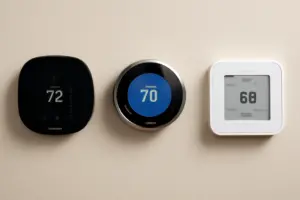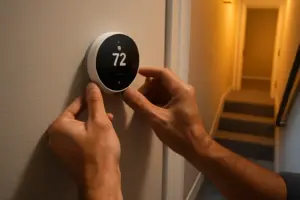
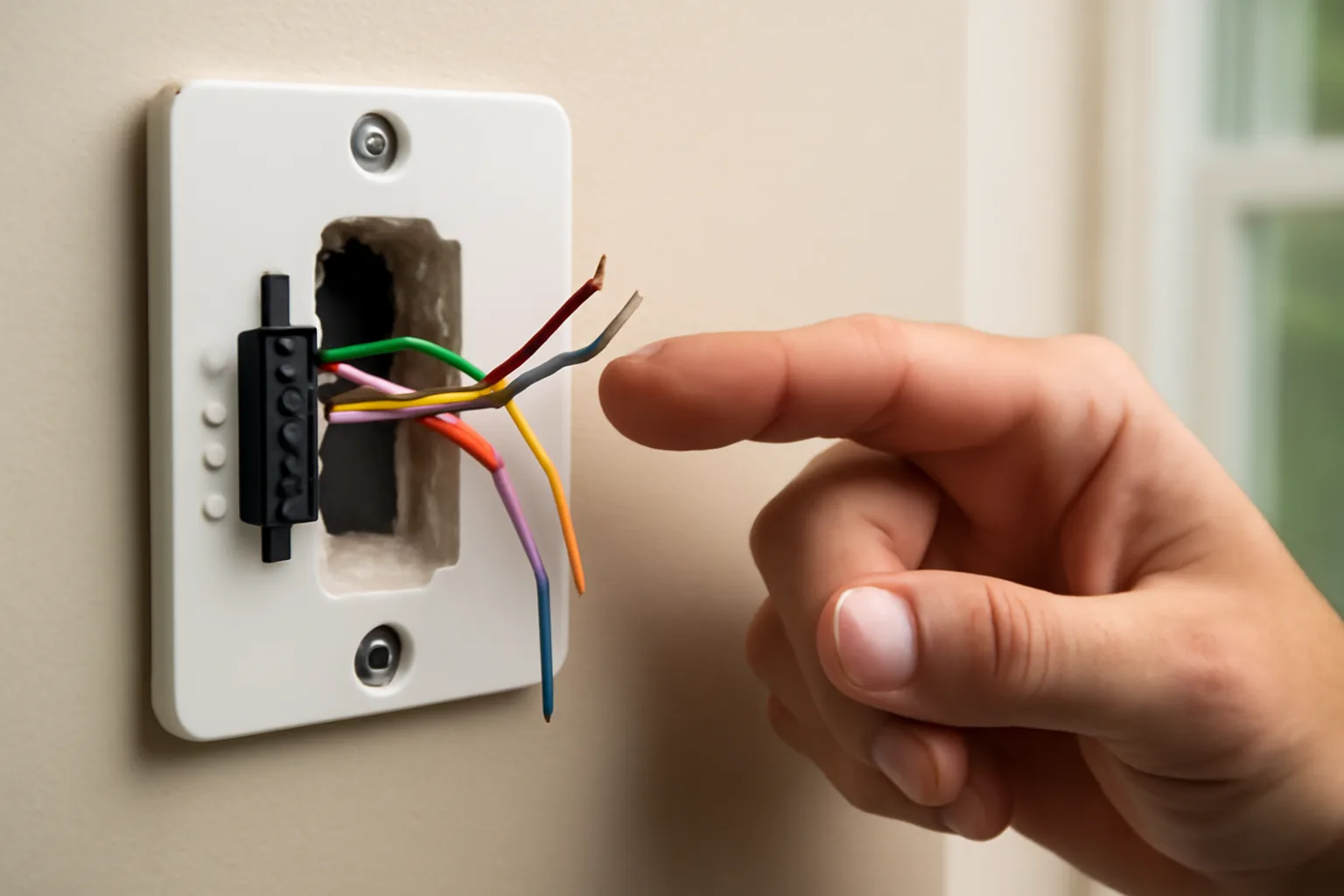
The first cold snap of the season is when my phone starts ringing with the same story on repeat: someone bought a shiny new smart thermostat, wired it in themselves, and now the display just blinks and dies. Nine times out of ten, I know the answer before I’ve even parked in the driveway. It’s the classic smart thermostat C-wire problem fix situation — and it trips up more homeowners than almost any other DIY HVAC job. The C-wire (common wire) is the silent workhorse that keeps your smart thermostat powered continuously. Without it, you’re in trouble.
Here’s the annoying reality: most homes built before 2010 were never wired with a C-wire in mind. Older thermostats — the basic two-wire or four-wire kind — didn’t need constant power. They sipped just enough electricity during heating or cooling cycles to get by. Smart thermostats operate on a completely different level. They’re running Wi-Fi radios, color displays, occupancy sensors, and app syncing around the clock. That kind of demand needs a steady, uninterrupted 24V AC supply. Skip the common wire that completes that circuit, and you’ll end up with a flickering screen, glitchy behavior, or a unit that slowly drains your system’s control board.
Over the past twelve years, I’ve walked more than 300 homeowners through this exact headache. Some just needed to pull an unused wire. Others needed an adapter installed. A handful ended up buying a thermostat that was never designed to need a C-wire in the first place. In this post, I’ll lay out every real-world fix I’ve used on actual job sites — including the one product I now point almost every frustrated client toward when they’re ready to box up their new thermostat and take it back to the store.
What the C-Wire Actually Does (and Why Smart Thermostats Can’t Skip It)
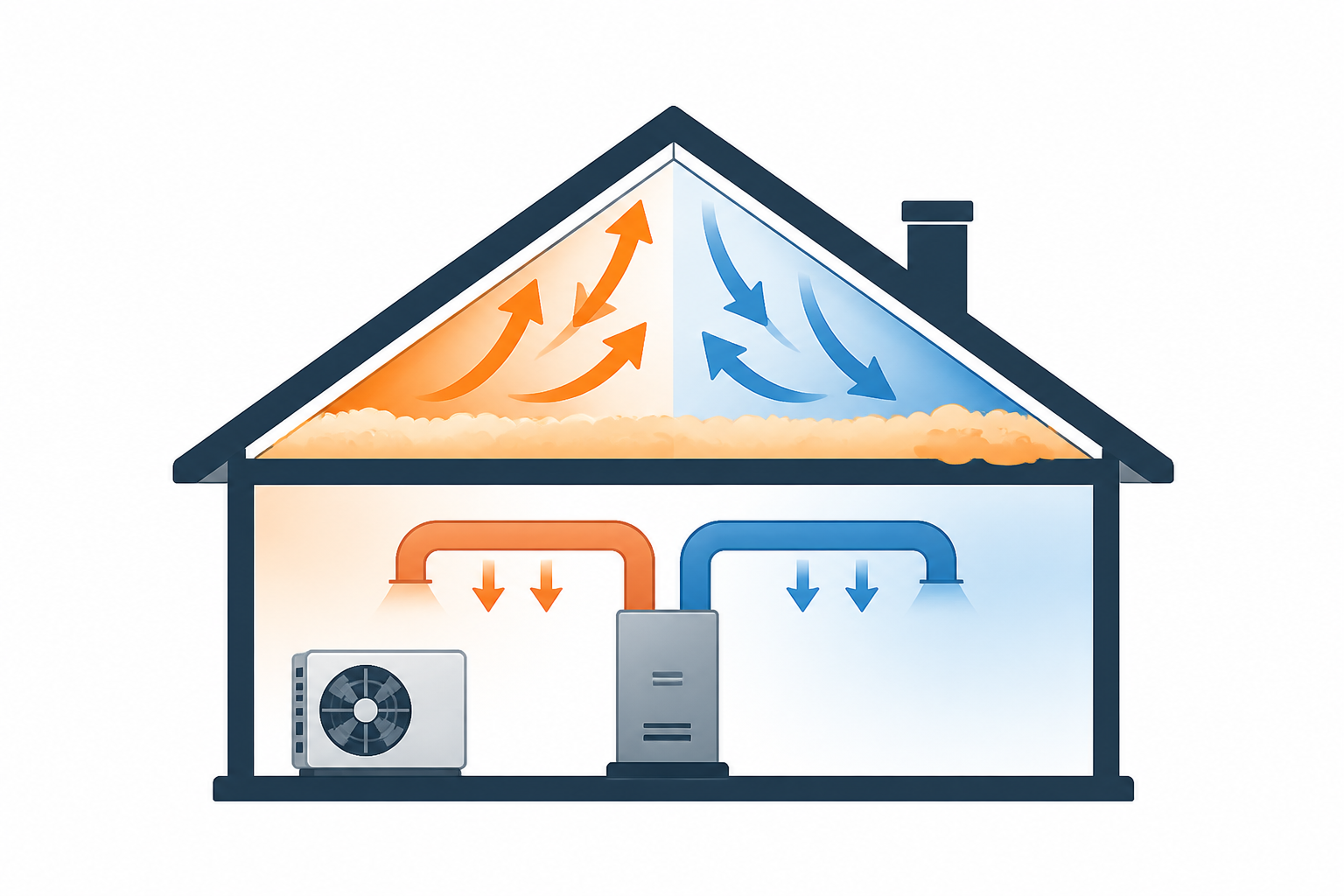
Here’s the simplest way to picture it. Your HVAC system’s control board produces 24V AC power. The R-wire (typically red) delivers the “hot” side of that circuit up to your thermostat. The C-wire — the common wire — finishes the loop by carrying power back down to the board. Put those two together and you get a continuous low-voltage circuit, and that circuit is what keeps a modern smart thermostat running nonstop, day and night.
A basic model like the Honeywell RTH111 never needed any of this because it barely sipped power to begin with — just a tiny draw during switching moments. Smart thermostats like the Ecobee SmartThermostat or Nest Learning Thermostat pull noticeably more, usually somewhere between 0.5 and 2 watts on a continuous basis. Without a real C-wire in place, some units will attempt to “borrow” power from the G (fan) or Y (cooling) wire instead. That trick might work for a little while, but it often leads to a fan that cycles on randomly, a compressor that short-cycles, or a control board that fails well before its time. I’ve personally replaced two control boards that were fried by power-stealing thermostats. That’s not a hypothetical risk — it’s a real repair bill, usually $200–$600 for the board alone, plus labor.
First Move: Take Stock of the Wires You Already Have
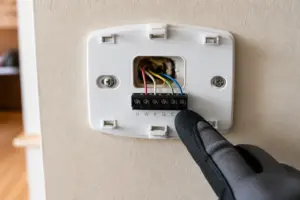
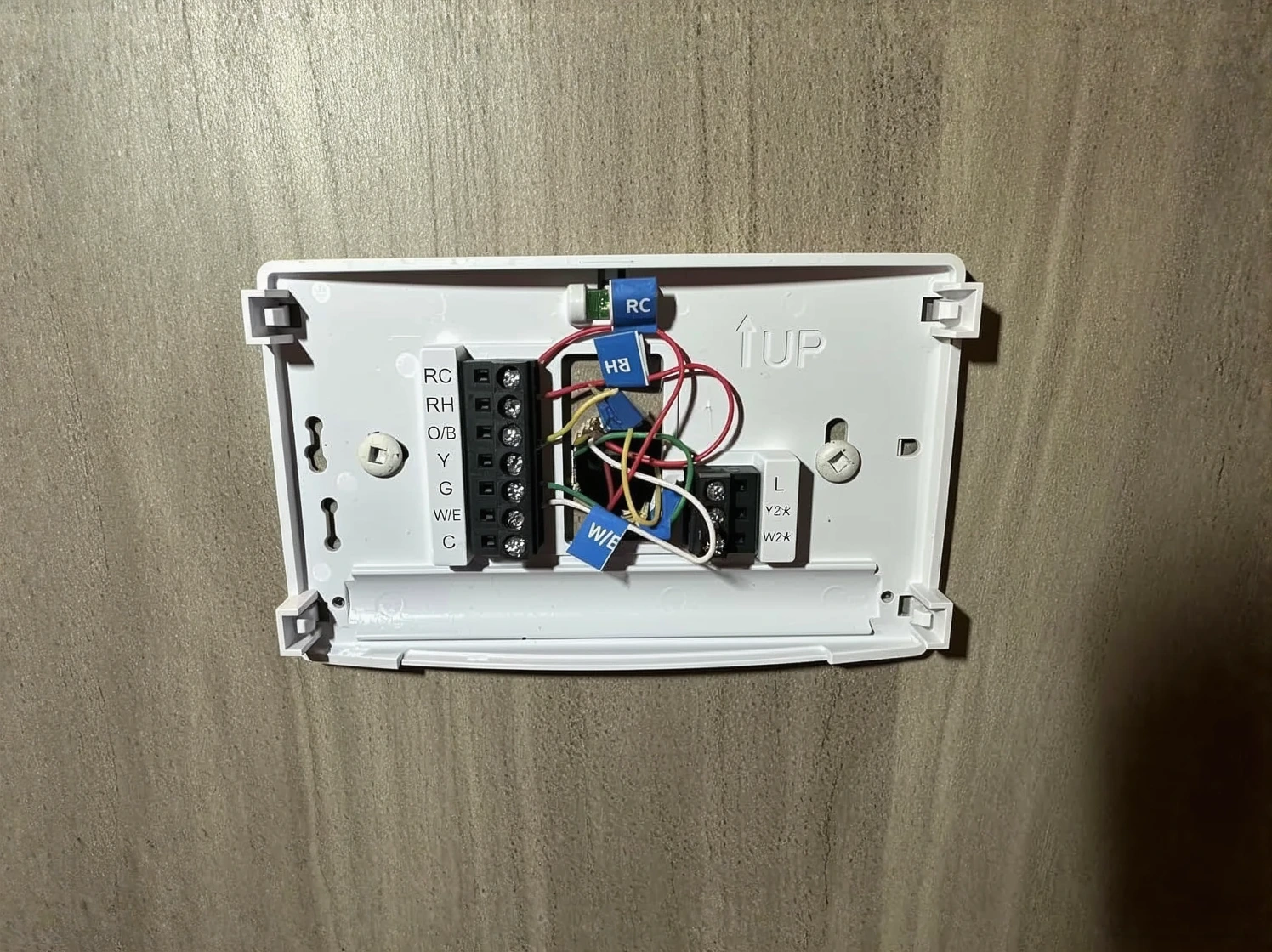
Before spending a dime or dialing a technician, do this yourself first. Kill power to the HVAC system at the breaker panel. Pop the faceplate off your existing thermostat. Count every wire landed on the terminals. And snap a clear photo before you disturb anything — you’ll thank yourself later.
Here’s exactly what you’re hunting for:
- R or Rh/Rc — the 24V hot power feed (almost always red)
- G — fan control (typically green)
- Y or Y1 — cooling/compressor signal (typically yellow)
- W or W1 — heating signal (typically white)
- C — the common wire (typically blue or black)
Next, check the wall cavity behind the thermostat base carefully. It’s common to find a stray wire tucked away or taped off that was never hooked up to anything — especially in older houses. Last spring I worked on a 1987 ranch where the homeowner was certain there was no C-wire anywhere in the system. The moment I pulled the base off the wall, there it was — a blue wire, neatly taped back, sitting untouched for 36 years. We stripped the end, landed it on the C terminal at the air handler, and had her new smart thermostat powered up and running in under 20 minutes. Total cost: $0.
Tracing a Spare Wire Back to the Air Handler
If you spot an unused wire sitting at the thermostat, follow it back to your air handler or furnace. You should find a matching unconnected wire waiting on the control board there. Land it on the C terminal — it’s almost always clearly marked. This is the cleanest fix you’ll find, period. No adapter, no workaround, nothing extra bolted on. If your thermostat cable has five or more conductors and one of them is sitting idle, consider yourself fortunate.
Field-Tested Fixes for the Smart Thermostat C-Wire Problem
When there’s truly no spare wire waiting to be used, you’re left with three legitimate paths forward. I’ve used every one of them myself, and each one earns its keep in certain situations.
Option 1: Run a Brand-New Thermostat Cable
This is the fix I’d call the gold standard. Pulling a fresh 18/5 or 18/8 thermostat cable from the air handler to the thermostat location hands you every conductor you could ever need. The cable itself isn’t expensive — figure $30–$60 for a 50-foot roll. Labor, though, is where things get unpredictable. In an open basement with a clear chase to run through, this is a 1–2 hour job you can knock out yourself. In a slab home with finished walls and zero attic access near the thermostat, expect a pro to spend 4–6 hours on it at $75–$120 an hour. I’ve handled both extremes plenty of times — know which one you’re facing before you commit.
Option 2: Install a C-Wire Adapter Kit
Kits like the Venstar ACC0410 Add-A-Wire solve this without any new cable pulling at all. A small module gets installed at the air handler and splits one of your existing wires — usually the G wire — into two separate signals, essentially manufacturing a virtual C-wire out of a four-wire setup. Expect to spend roughly $20–$35 on the kit, with installation taking about 30–45 minutes if you’re already comfortable poking around the control board.
I picked up this lesson the hard way on an early job. I installed an Add-A-Wire kit but only wired the module in at the thermostat side, skipping the air handler portion entirely. The thermostat ran fine for a couple of days — then the fan started running nonstop overnight. Turns out both ends of that module have to be installed: the thermostat terminal and the air handler control board, no exceptions. I haven’t rushed that step since. Read the wiring diagram in full before you touch a single terminal.
Option 3: Pick a Thermostat Built to Skip the C-Wire Entirely
Certain smart thermostats are purpose-built to run reliably on just two or four wires. For homeowners who’d rather not touch a single wire in their wall, this route is often the fastest and cleanest option available. It wipes out the need for an adapter, a new cable pull, or the risk of botching the installation altogether. For the right setup, it’s simply the smarter move.
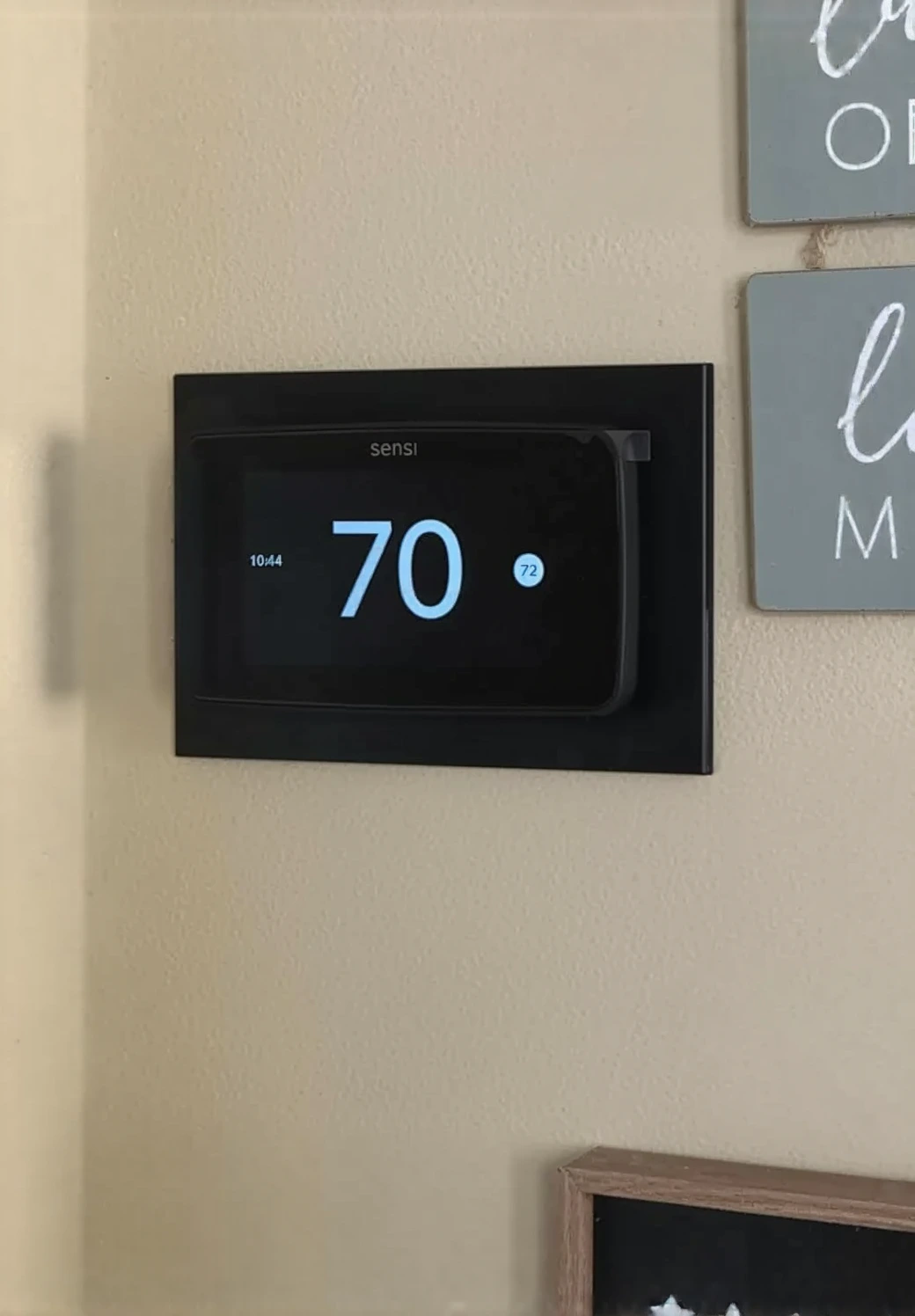
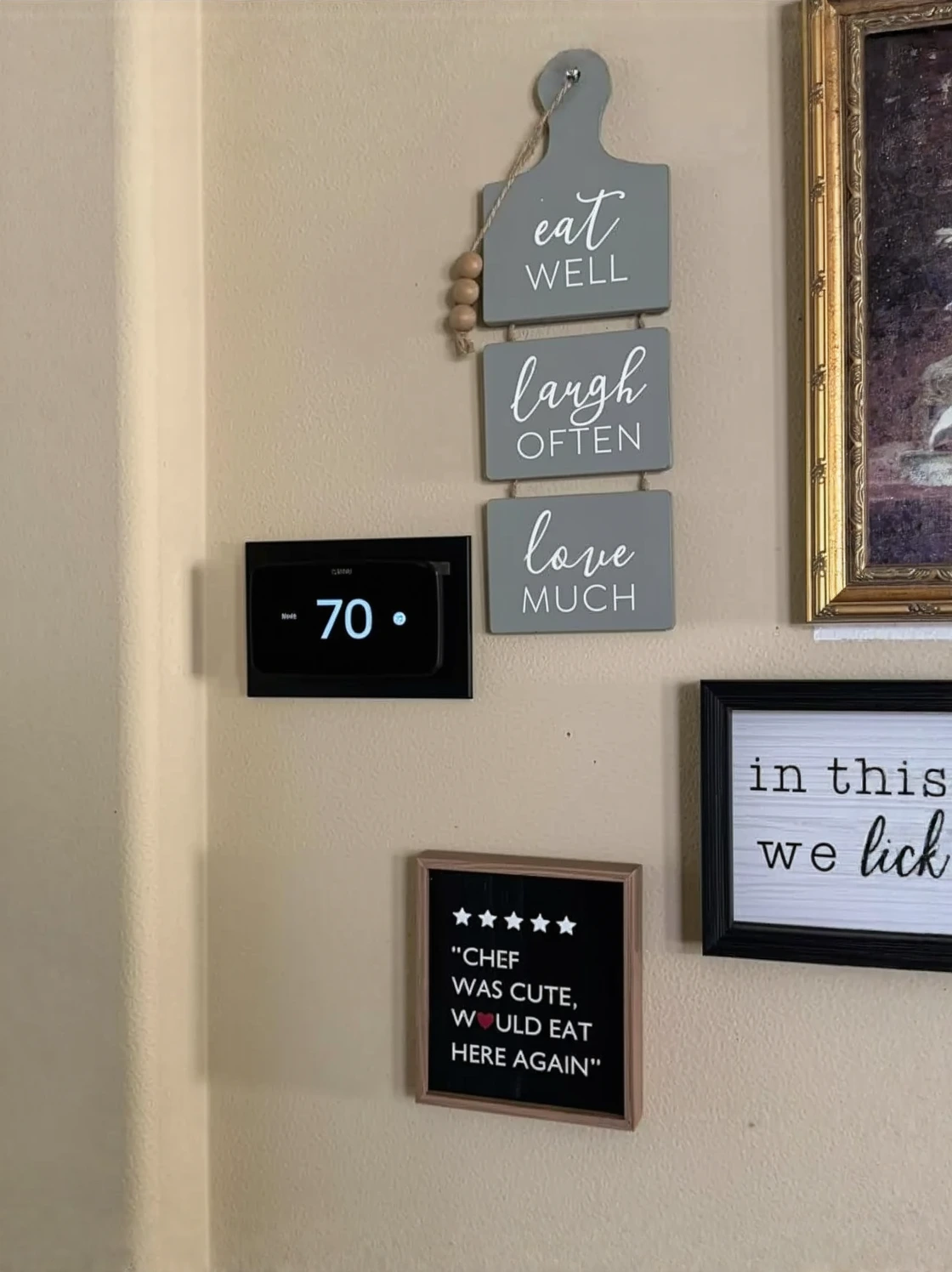
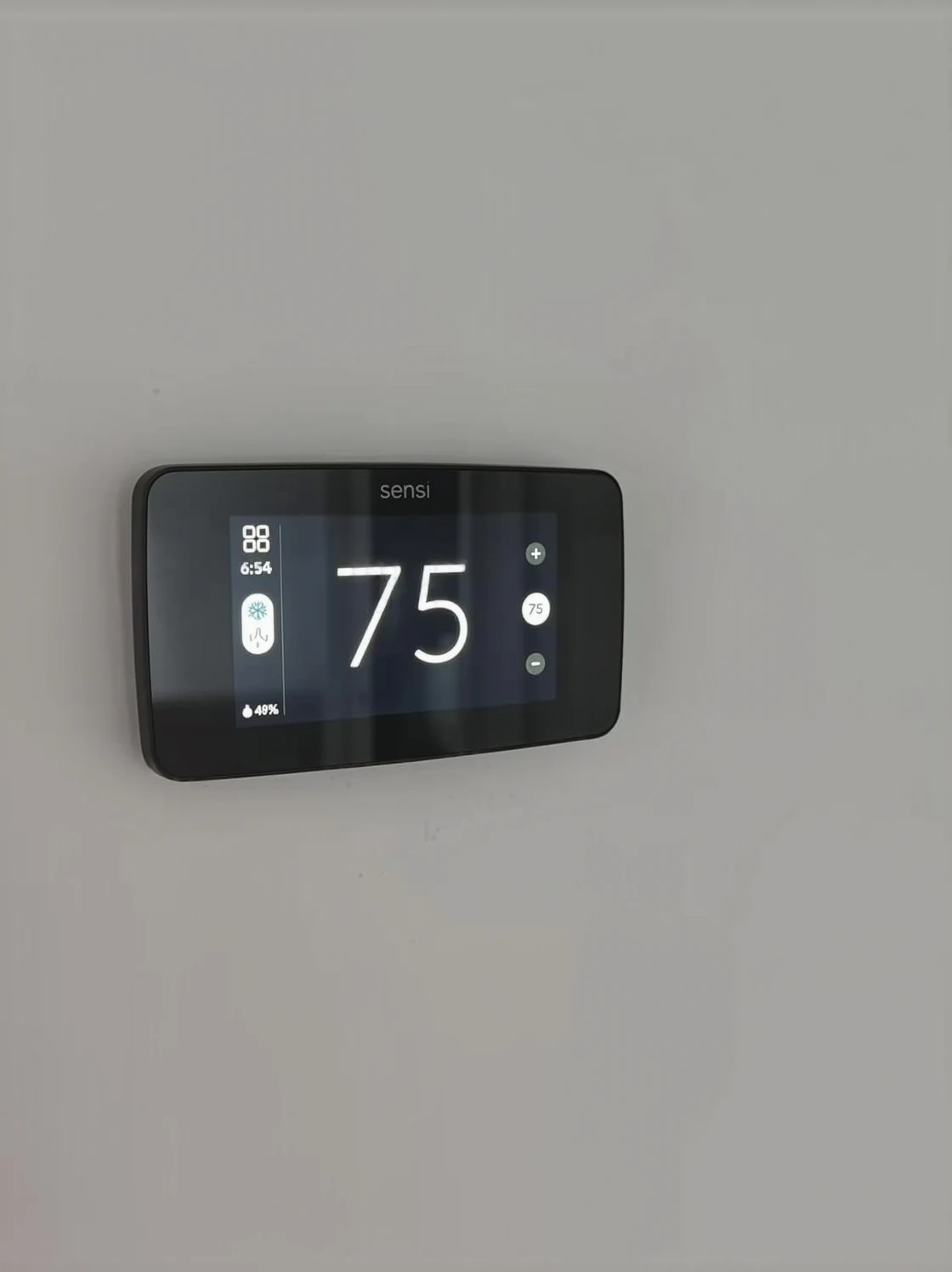
Meet the Sensi ST55: The Smart Thermostat That Mostly Doesn’t Need a C-Wire
If you want to upgrade to a smart thermostat but there’s no C-wire run anywhere near your current thermostat location, the Sensi ST55 was built with exactly that frustration in mind. It’s among the few well-known smart thermostats capable of running on a two-wire system, which means there’s a real chance you can sidestep the whole rewiring project altogether.
Where it delivers
- Runs on nothing more than two wires (R and W) across many heating-only systems, so there’s no need to fish a C-wire through your walls at all
- The setup process is refreshingly simple — I’ve watched homeowners with no HVAC background have it up and running in under 10 minutes
- The companion app holds up well and skips the need for a separate hub, keeping the whole system lean and easy on your Wi-Fi
Where it comes up short
- Running cooling or a heat pump? You’ll still need a genuine C-wire — this isn’t a universal escape hatch for every system type
- Its display is smaller and lighter on features compared to some rivals, so anyone wanting a touchscreen loaded with automation options will notice the gap
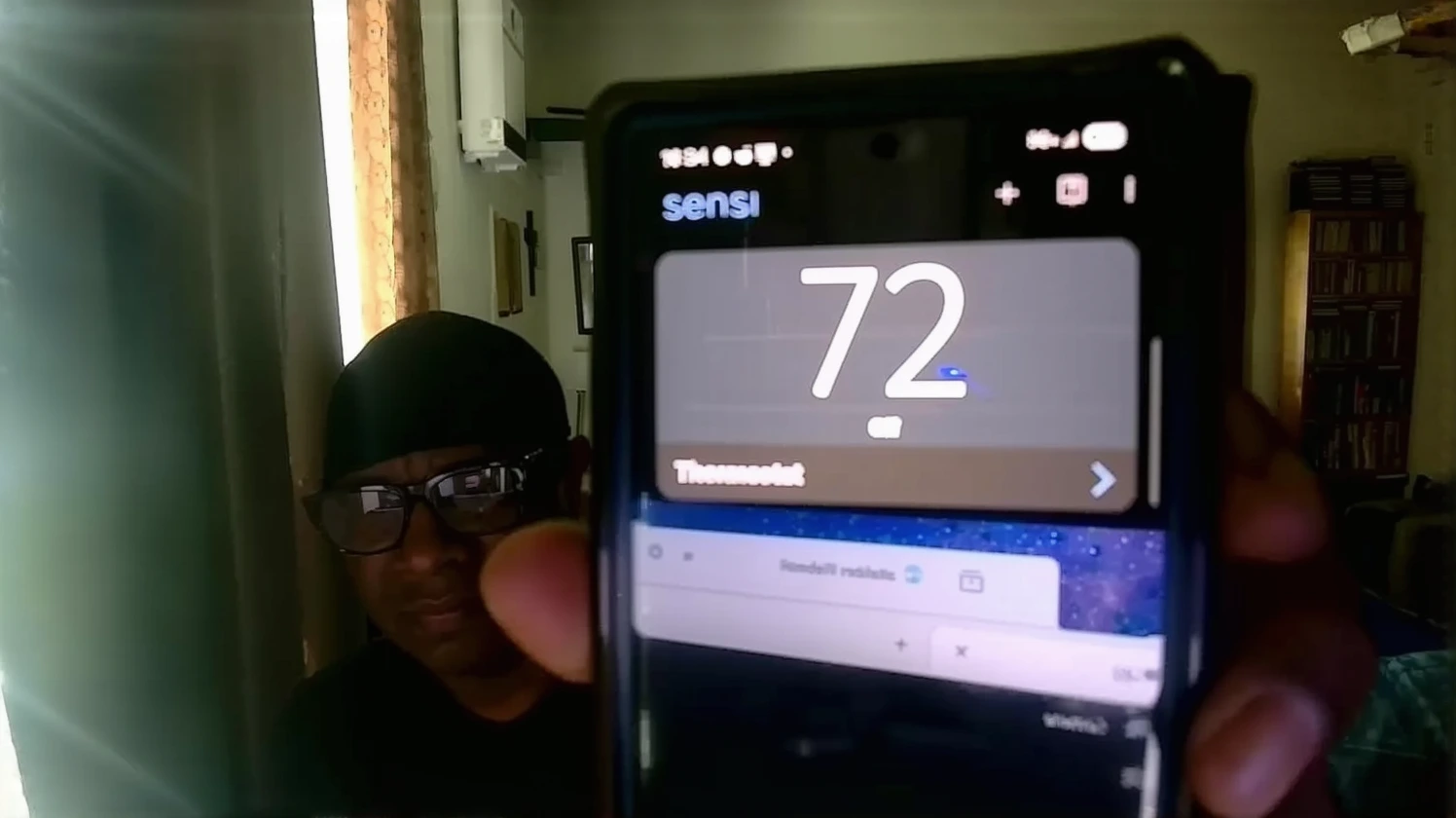
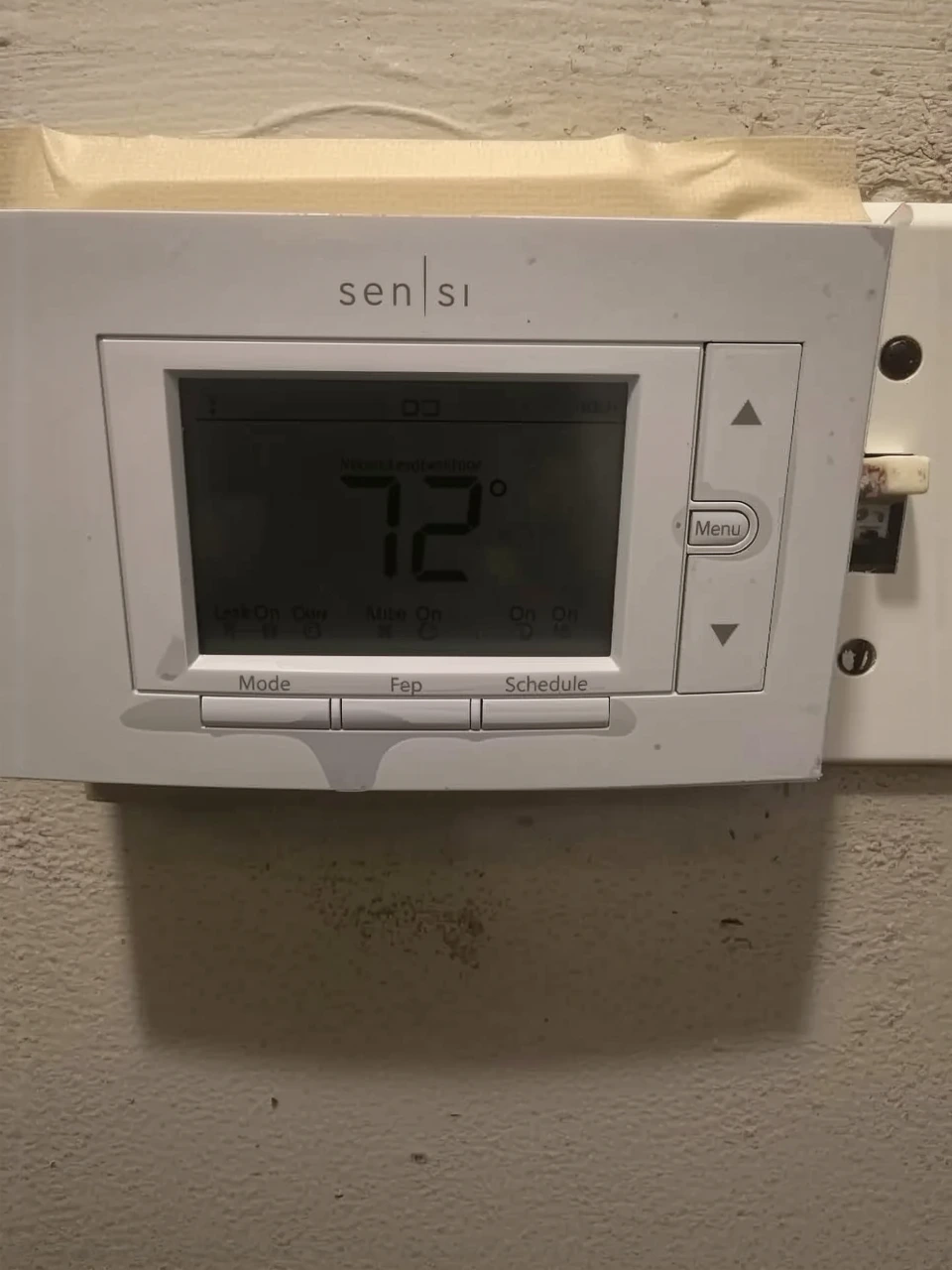
I installed one in a 1970s ranch last spring where the homeowner absolutely did not want to open walls, and I was genuinely surprised it performed as well as it did—until I realized the system was heating-only and the client never needed cooling anyway. If your situation matches that profile, grab the Emerson Sensi Wi-Fi Smart Thermostat (ST55) and save yourself the rewiring project.
About This Article

Written by Dana Sorensen. Homeowner turned building-science obsessive. I help other homeowners understand attic insulation, ventilation, and air quality so they can stay comfortable year-round without overspending on energy bills. More about this site.
Scope and limits. Dana is a homeowner who studies building science, not an HVAC contractor or licensed tradesperson. Anything involving combustion appliances, gas lines, or electrical work belongs with a licensed contractor.
Verify this against a primary source
Specifics change, and your situation may differ from the one described here. These are the authorities worth checking directly:
- ENERGY STAR — recommended insulation R-values by climate zone
- U.S. Department of Energy — air sealing and insulation guidance
- EPA Indoor Air Quality — ventilation and indoor air quality standards