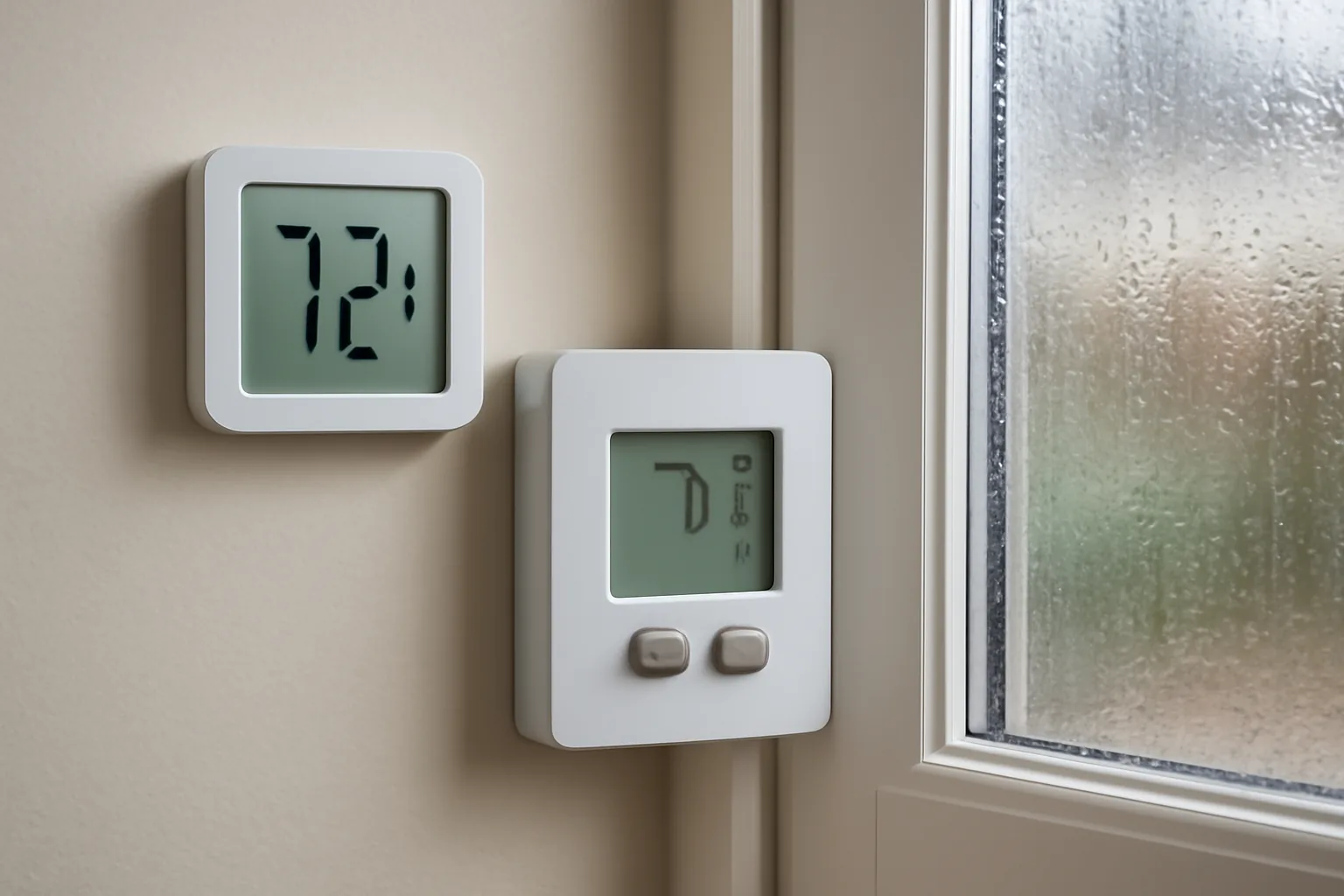
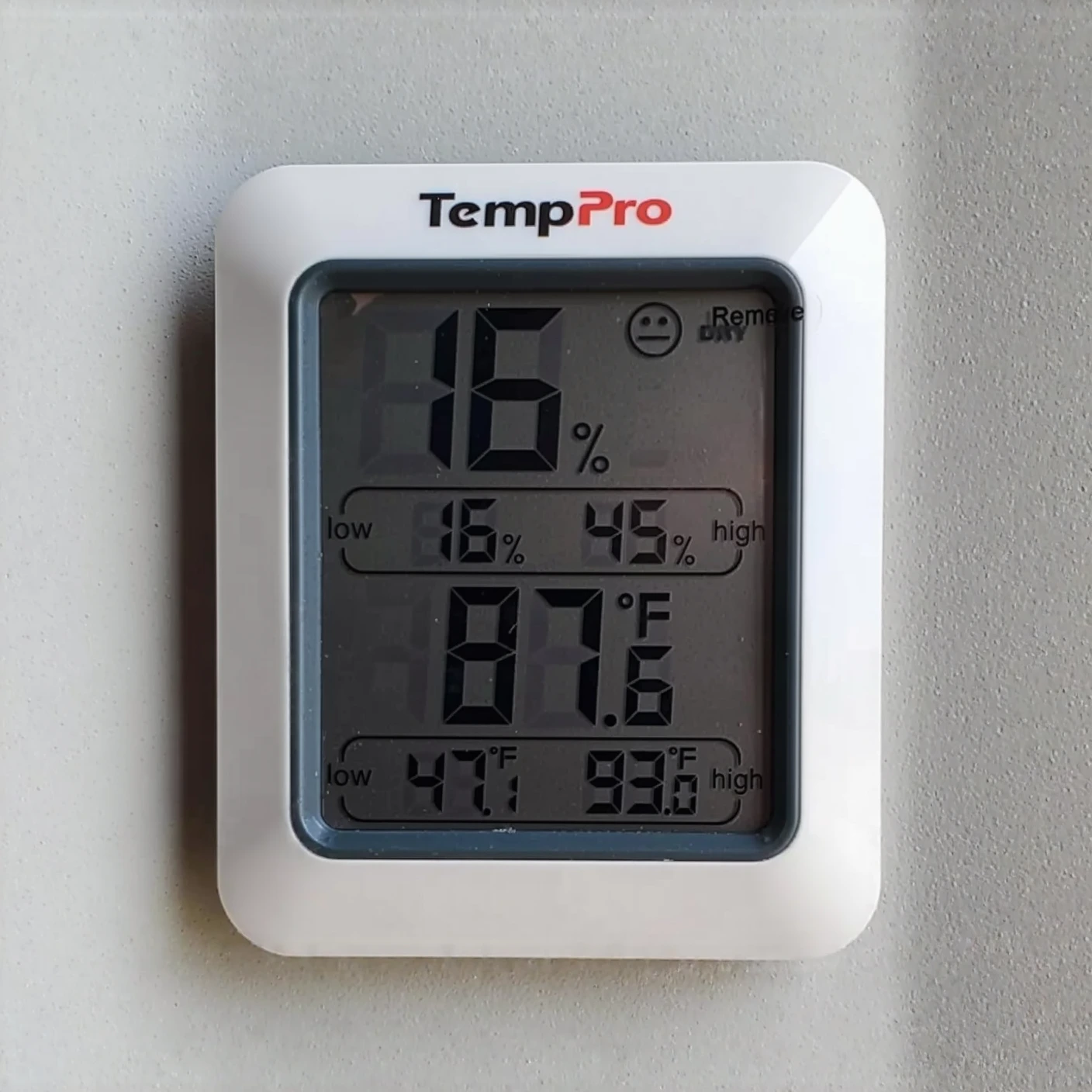
“It’s running fine,” the homeowner kept insisting, arms crossed, watching me check her thermostat display in her Phoenix living room last summer. It read 74°F. Sure enough, the AC had been cycling all morning like clockwork. Yet the air in that room felt like a locker room after a workout — thick, clingy, wrong. She’d been living with this for two years. Three separate contractors had walked through, shrugged, and told her nothing was broken. Not one of them had connected the dots on what turns out to be an oversized AC humidity problem, hiding in plain sight the whole time. Part of me almost skipped pulling out my hygrometer — I could already feel the moisture problem in the air. But that’s precisely the trap the previous three techs fell into: trusting a gut feeling over actual data. I clipped the meter to my belt, let it settle, and watched the number land on 68% relative humidity. That’s squarely in mold-growth territory. Her 5-ton system was the culprit — and it had quietly been wrecking her comfort the entire time.
Of every HVAC issue I run into, this one gets misdiagnosed the most. People point fingers at the weather, at leaky windows, at that one philodendron sitting by the couch. Almost nobody thinks to blame a system that’s simply too strong for the space. But an AC with too much capacity sets up a humidity mess that builds day after day — and the giveaway is sitting right there every time the unit cycles.
Bigger Capacity, Bigger Problem: Rethinking the “More Power” Instinct
Most people figure a beefier AC unit just cools better, full stop. It’s an understandable assumption — more horsepower usually gets a job done quicker. But applied to air conditioning, that logic backfires into exactly the humidity trouble we’re discussing. Here’s what’s actually happening mechanically: your system pulls moisture from indoor air by running it across a chilled evaporator coil. Water vapor condenses there, drains into the pan below, then exits via the condensate line. This isn’t instantaneous — it demands sustained runtime to work properly.
When a unit is too large, it chills the room so quickly that it satisfies the thermostat and powers down before dehumidification ever finishes. Techs refer to this pattern as short cycling. The system dumps cold air, reaches setpoint in roughly 8 to 10 minutes, and clicks off. You’ll feel a brief chill, sure — but the moisture stays put. ASHRAE Standard 55 puts the healthy comfort range for indoor relative humidity between 30% and 60%. Homes stuck in a short-cycling loop routinely hover at 65% to 72% RH instead. That’s well beyond an annoyance — it’s the kind of environment mold thrives in.
I found this out the hard way years ago. I’d swapped in what my calculations said was a correctly sized unit for a client — but I hadn’t accounted for a recent attic insulation job that had already cut down the home’s cooling load. The “right-sized” system ended up oversized for the newly tightened envelope. One summer later, mold had spread across the master bedroom ceiling. That mistake is exactly why I now treat every Manual J load calculation as non-negotiable, no matter how routine the job looks.
Reading the Signal Your AC Is Sending About Humidity
Here’s the tell most people never notice. If your unit fires on and off more than two or three times an hour when it’s hottest outside, that’s a red flag. A correctly matched system typically runs 15 to 20 minutes per cycle under moderate load, and during the peak of a summer afternoon, it should be running almost nonstop. That extended runtime is precisely what wrings moisture out of the air.
The second clue shows up after the compressor shuts off. Give it about 30 minutes, then walk through the house. Does the air feel sticky? Heavy? Damp, even though the number on the thermostat looks perfectly acceptable? That clammy feeling is elevated humidity talking. Thermostats only track temperature — they’re blind to moisture entirely. So it’ll happily report “74°F, all good” while you’re stuck breathing 70% RH air that feels downright uncomfortable.
Watch for condensation forming on windowpanes, cold surfaces, or the outside of a chilled glass. Heavy indoor condensation is a dependable sign that humidity is running too high. A musty smell is another warning you shouldn’t shrug off — that odor frequently means mold has already taken hold inside wall cavities, ductwork, or the attic.
The Handheld Tool That Confirmed What Three Techs Overlooked
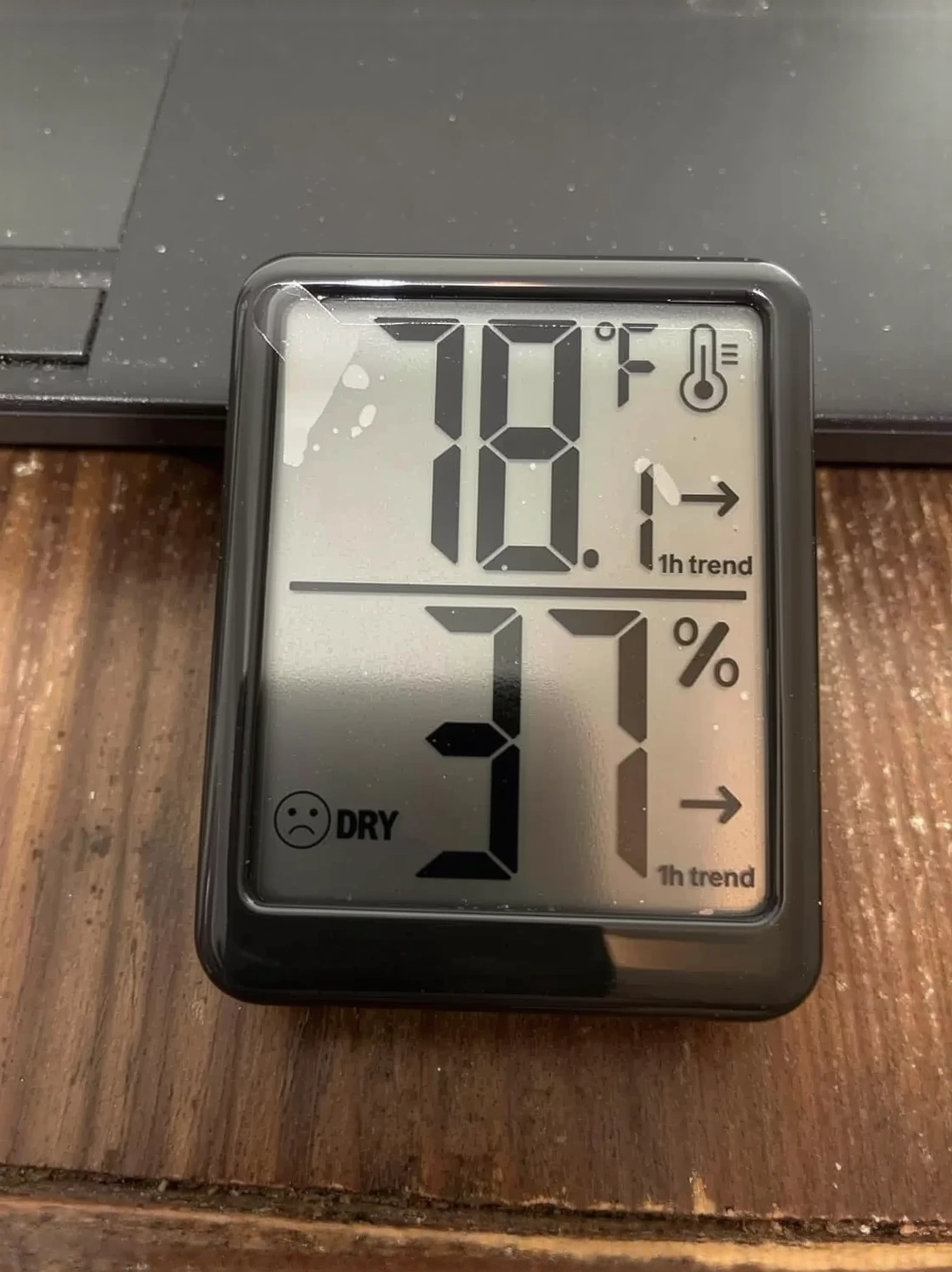
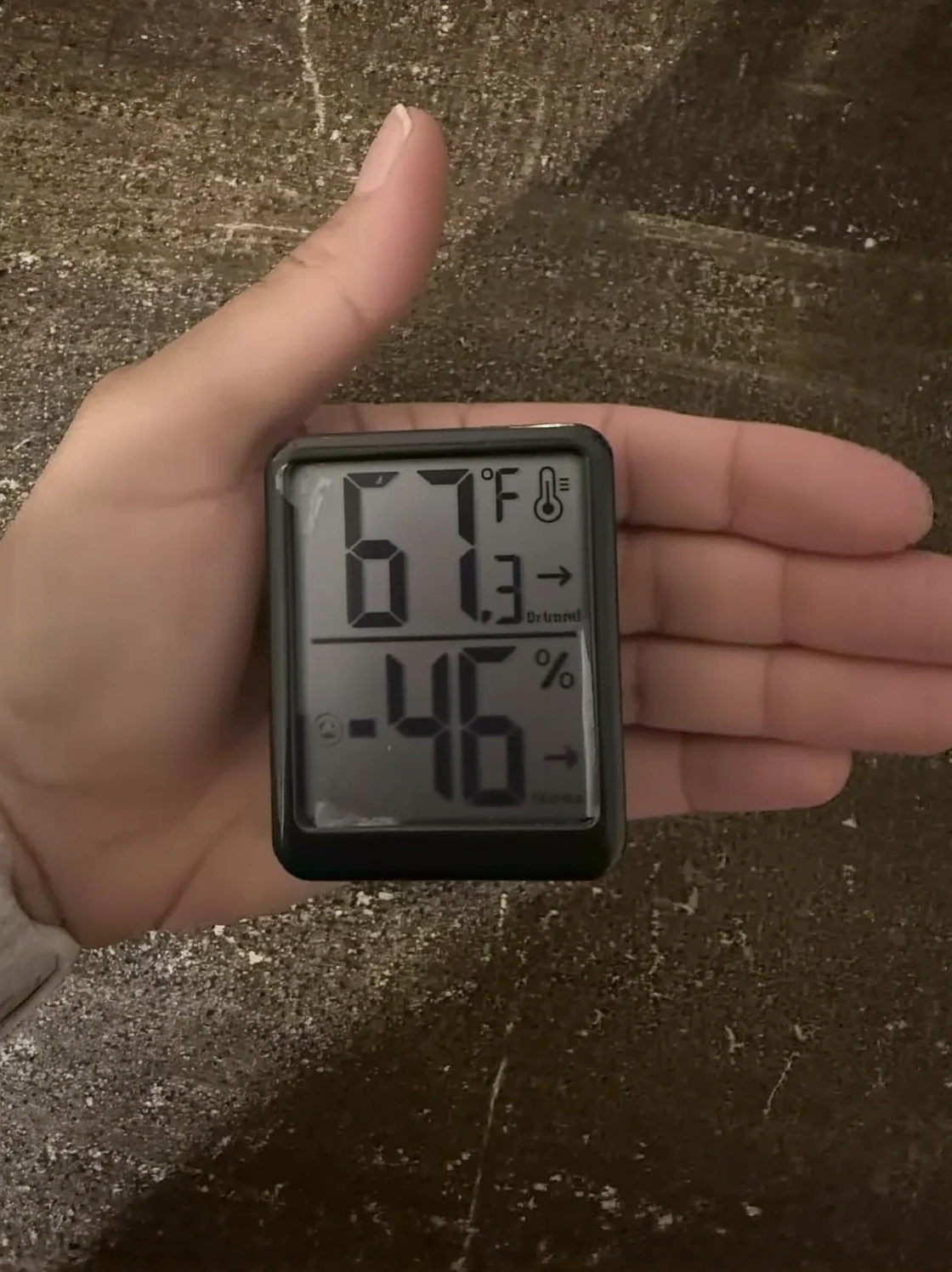
Once you have a hunch that your system is oversized but need something more solid than a gut feeling, a reliable hygrometer becomes your proof. Skip it, and you’re just another homeowner claiming “it feels humid in here.” Carry one, and you’ve got numbers a research can’t wave away.
Where it earns its keep
- Delivers quick, dependable readings that catch the humidity spikes an oversized unit creates during those short bursts of cooling — no lag time needed
- Its straightforward digital readout lets you move room to room and chart out where humidity is worst, exposing which zones are getting shortchanged on dehumidification
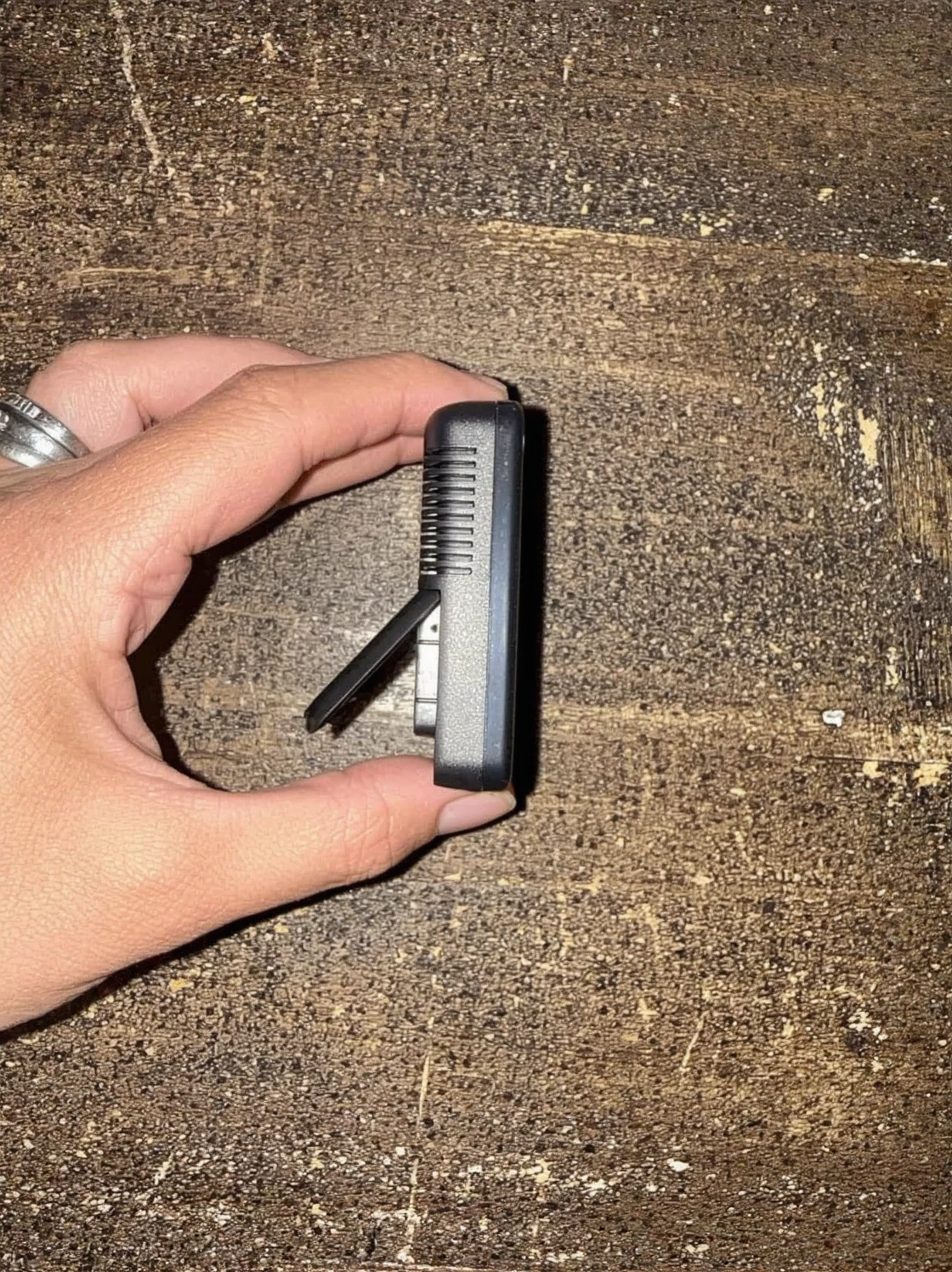
- Small enough to carry in a pocket during a full HVAC walkthrough, giving you concrete backup when you raise sizing concerns with a contractor
Where it falls short
- Heavy, room-to-room use throughout an entire troubleshooting session can chew through battery life quicker than you’d expect
- Needs a short window to acclimate whenever you enter a new space — check it too soon and you’ll get an inflated reading
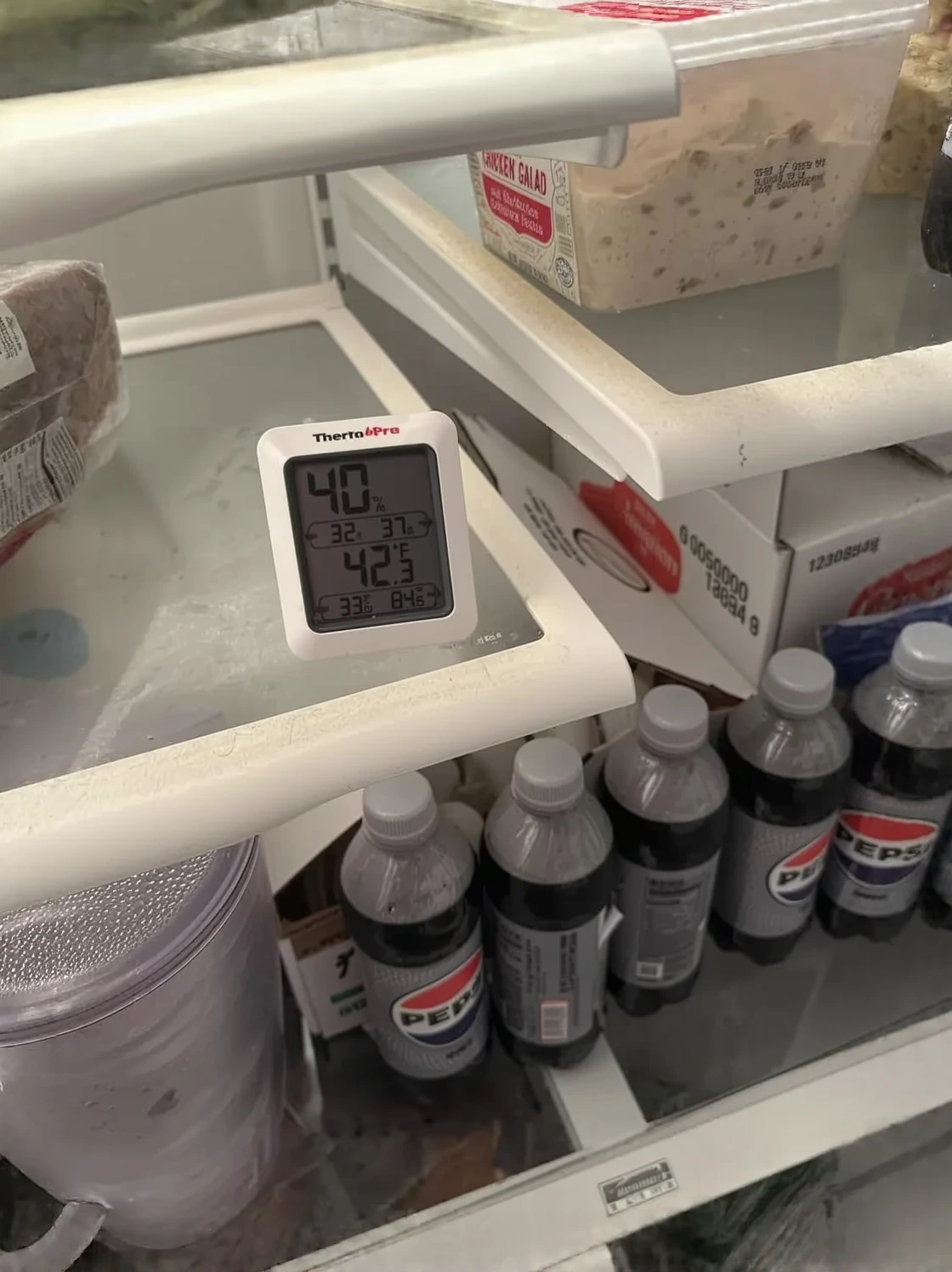
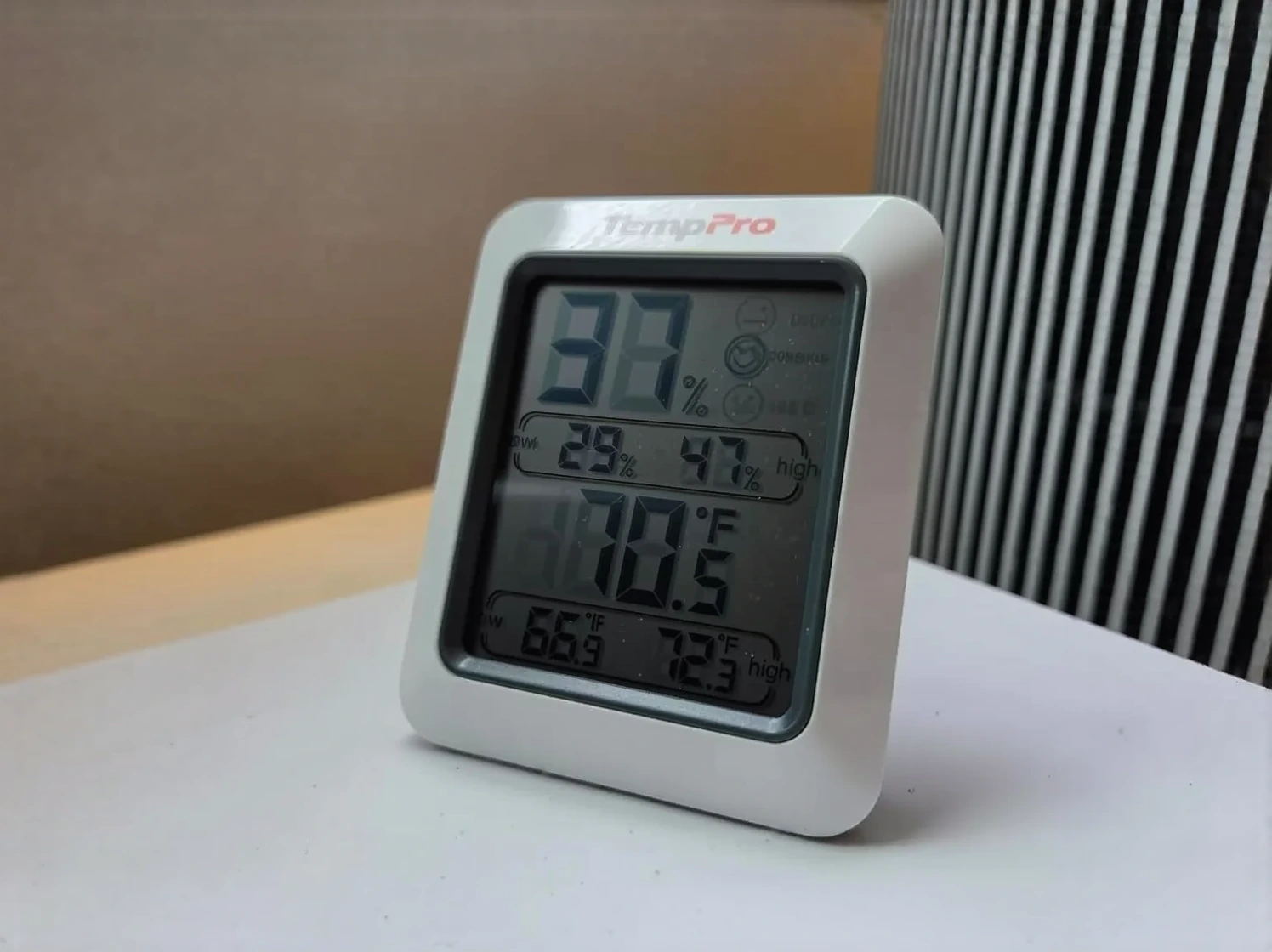
I almost dismissed this as overkill for a homeowner diagnostic until I realized I was relying on guesswork just like those three contractors had. Get the TempPro TP50 Digital Hygrometer and stop wondering.
About This Article

Written by Dana Sorensen. Homeowner turned building-science obsessive. I help other homeowners understand attic insulation, ventilation, and air quality so they can stay comfortable year-round without overspending on energy bills. More about this site.
Scope and limits. Dana is a homeowner who studies building science, not an HVAC contractor or licensed tradesperson. Anything involving combustion appliances, gas lines, or electrical work belongs with a licensed contractor.
Verify this against a primary source
Specifics change, and your situation may differ from the one described here. These are the authorities worth checking directly:
- ENERGY STAR — recommended insulation R-values by climate zone
- U.S. Department of Energy — air sealing and insulation guidance
- EPA Indoor Air Quality — ventilation and indoor air quality standards