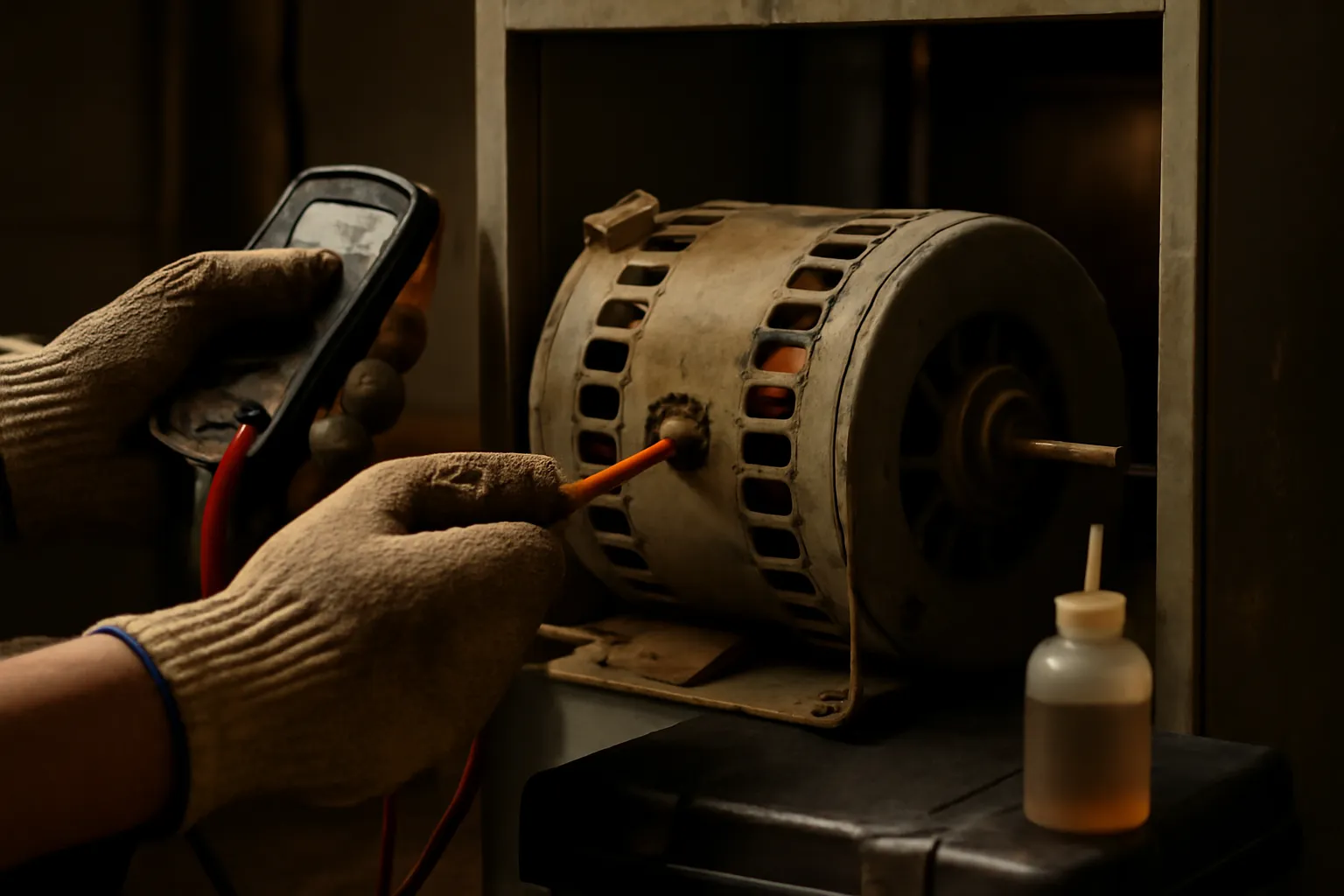
“It just quit sometime overnight” — that’s what she told me, standing in the doorway of her utility closet while I already had the air handler panel pulled off its screws. This was July, deep in a heat advisory, and her central air had gone silent sometime between midnight and morning. The blower motor shaft wouldn’t budge by hand, the winding insulation gave off that unmistakable scorched-varnish odor, and the run capacitor sat there with its top visibly domed outward. She mentioned, almost as an afterthought, that a faint squeal had been coming from the system for roughly three weeks, and that airflow had felt a touch weak all season. Every one of the classic HVAC blower motor failing signs had played out in front of her, and she’d had no idea what she was watching. That Saturday emergency swap ran her $380, on top of a hotel room for herself, her two kids, and the family dog. Here’s the frustrating part: catching that squeal early might have meant a $6 bottle of motor oil and twenty spare minutes bought the motor several more years of service. I’ve watched this exact sequence unfold more times than I can count. The blower motor works harder than almost anything else in your HVAC system — it’s active every single time the thermostat calls for heat or cooling — yet it’s the part homeowners forget exists until it dies outright. Let’s fix that gap in knowledge. Below are the five warning signs to track, ranked by how urgent each one is, along with what to do the moment you spot them.
How a Blower Motor Actually Operates — And What Eventually Kills It
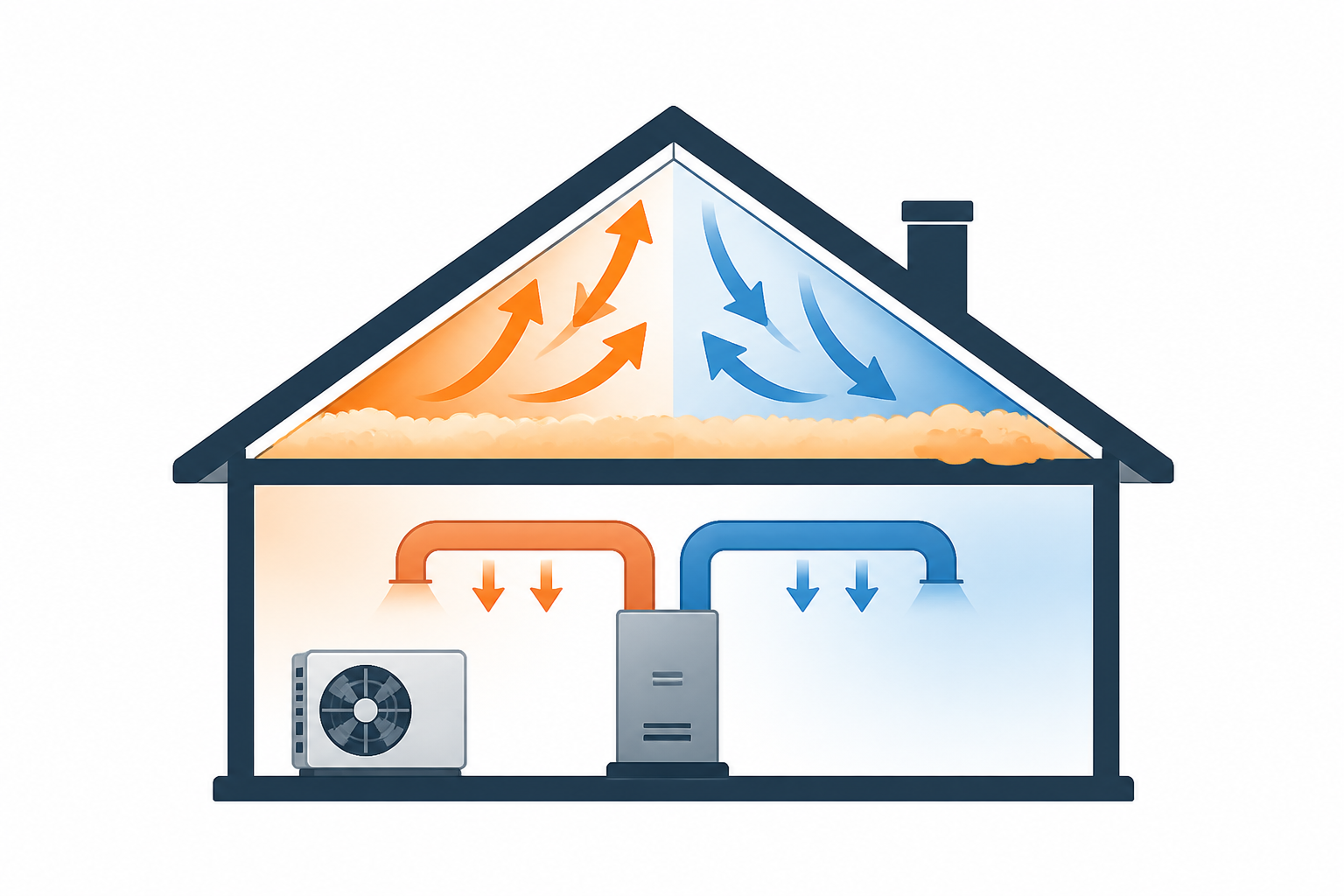
Before diving into the warning signs themselves, it’s worth knowing what this component is actually doing inside your system. Tucked inside the air handler or furnace cabinet, the blower motor spins a squirrel-cage wheel — the cylindrical, curved-blade fan — pushing conditioned air through the duct network and out through every register in the house. A typical 3-ton residential setup pushes somewhere around 1,100 to 1,200 CFM (cubic feet per minute) continuously any time the system is active. That’s a serious mechanical workload, repeated thousands of times over a single year.
Residential systems generally use one of two motor designs, and each one breaks down in its own distinct way:
PSC Motors (Permanent Split Capacitor)
PSC motors represent the older single-speed design — straightforward, dependable, and inexpensive to swap out, usually running $100 to $200 for the motor alone before labor gets added. They depend on an external run capacitor to generate the phase shift that gets them started and keeps them running. That dependency is actually useful for troubleshooting: a blown capacitor (typically a $15–$40 part) produces symptoms nearly indistinguishable from a dead motor, and since it’s the cheaper part, it’s always worth testing first. This is exactly why the PSC vs ECM blower motor difference matters so much — their failure patterns don’t overlap.
ECM Motors (Electronically Commutated Motors)
ECM units run on variable speed, brushless DC technology, governed by an onboard circuit board. Efficiency-wise, they’re in a different league — typically drawing 20–40% less power than an equivalent PSC motor moving the same airflow — and they operate both quieter and cooler. The tradeoff is cost: a replacement ECM motor runs $400–$800, and when the control module happens to be proprietary to the manufacturer, that figure can climb even further. Because ECM motors skip the external capacitor entirely, the blower motor capacitor vs motor failure check simply doesn’t apply here. When an ECM won’t run, the culprit is usually the control module itself, a winding failure, or a lost communication signal from the board.
Regardless of motor type, both share one weak point: the shaft bearings. The majority of residential blower motors run on sleeve or ball bearings, and either style needs lubrication to keep metal from grinding against metal. In dry climates, or in systems pushed hard through long cooling seasons, bearing wear can set in after as little as 8 to 10 years. Heat speeds up the damage — for every 10°C increase in winding temperature, expected insulation life drops by roughly half, which explains why a motor that’s overworked and poorly lubricated dies well before its time. Check the nameplate for the full-load amperage (FLA) rating: a healthy motor under normal conditions should pull at or just under that figure. Once a motor is drawing 10–20% above nameplate, it’s straining, and that surplus current turns straight into heat inside the windings.
That progression — bearing wear leading to friction, then heat, then insulation breakdown, then motor death — is precisely why the early warning signs carry so much weight. It’s also why static pressure problems that force your blower to strain beyond its design load do so much cumulative damage.
Five Signs Your Blower Motor Is On Its Way Out, Ranked by Urgency
Sign 1: Strange Sounds Coming From the System
This is the first clue you’ll get, and it’s the one most people brush off as “the system just sounding like that.” Don’t make that mistake. The type of noise tells you something specific:
- Squealing or chirping noise: Nearly always points to dry, worn bearings on a PSC motor. The shaft’s still spinning, but lubrication has run out and what you’re hearing is metal grinding against metal. Catch it here, and a quality motor oil can genuinely add years back onto the motor.
- Rattling or knocking sounds: Usually traces back to a blower wheel that’s loose or thrown out of balance. Debris buildup over time can unbalance the wheel, or the set screw securing it to the shaft can work itself loose. Either way, it creates side-load stress on the bearings and speeds up wear considerably.
- Humming with no spin: This is the classic “blower motor humming not spinning” symptom, pointing to either a blown start/run capacitor (on PSC systems) or a seized shaft. You’ll hear the motor attempt to start and fail every time. On PSC equipment, test the capacitor first — a $20–$40 fix. If the shaft won’t budge by hand, though, the motor’s finished.
Sign 2: The System Cycles On and Off Unpredictably
The motor fires up, runs somewhere between 10 and 20 minutes, then cuts out mid-cycle — or it takes two or three separate thermostat calls before it finally engages. What you’re seeing is a struggling motor relying on its built-in thermal overload protection, a safety feature that shuts things down once the windings get too hot. The motor pauses, cools, resets itself, then attempts another start. Consider it the motor’s distress signal. Don’t brush this off — a system short cycling because the blower keeps tripping its thermal overload is one bad startup away from total motor failure.
Sign 3: Reduced Airflow Across Every Vent in the House
When the filter’s clean but you’re still noticing noticeably weaker airflow at every register throughout the house — not isolated to one or two rooms, which would point instead to a duct issue — the blower itself is losing steam. Worn bearings add friction and steal torque from the motor. A blower wheel caked in dust and debris can cut airflow by 15–25% on its own. Neither problem kills the motor outright, but both force it to work harder for less payoff, which speeds up the entire wear cycle.
Sign 4: A Hot, Burning Odor From the Vents
Treat this one as an emergency. A warm, faintly sweet burning smell drifting from your supply registers — different from the dusty odor you get at the start of heating season — signals motor insulation that’s overheating. The varnish coating on the windings is essentially cooking in place. At this point, failure isn’t a future possibility, it’s imminent. Shut the system down, remove the panel, and inspect the motor and capacitor before you attempt to run it again.
Sign 5: The Breaker Keeps Tripping
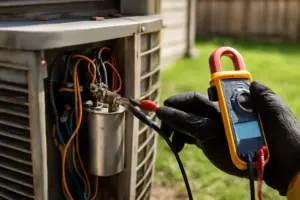
A blower circuit tripping its breaker means the motor is drawing more current than it should — essentially fighting against itself. Clamp a meter onto the motor wires and compare the actual draw against the nameplate FLA rating. Anything more than 10–15% above nameplate is a warning sign; cross 20% over and you’re staring down an imminent motor replacement. Resetting the breaker and moving on isn’t an option here — that trip is what’s standing between you and a potential winding fire.
How a Simple Bottle of Oil Saved a Motor I Almost Had to Replace
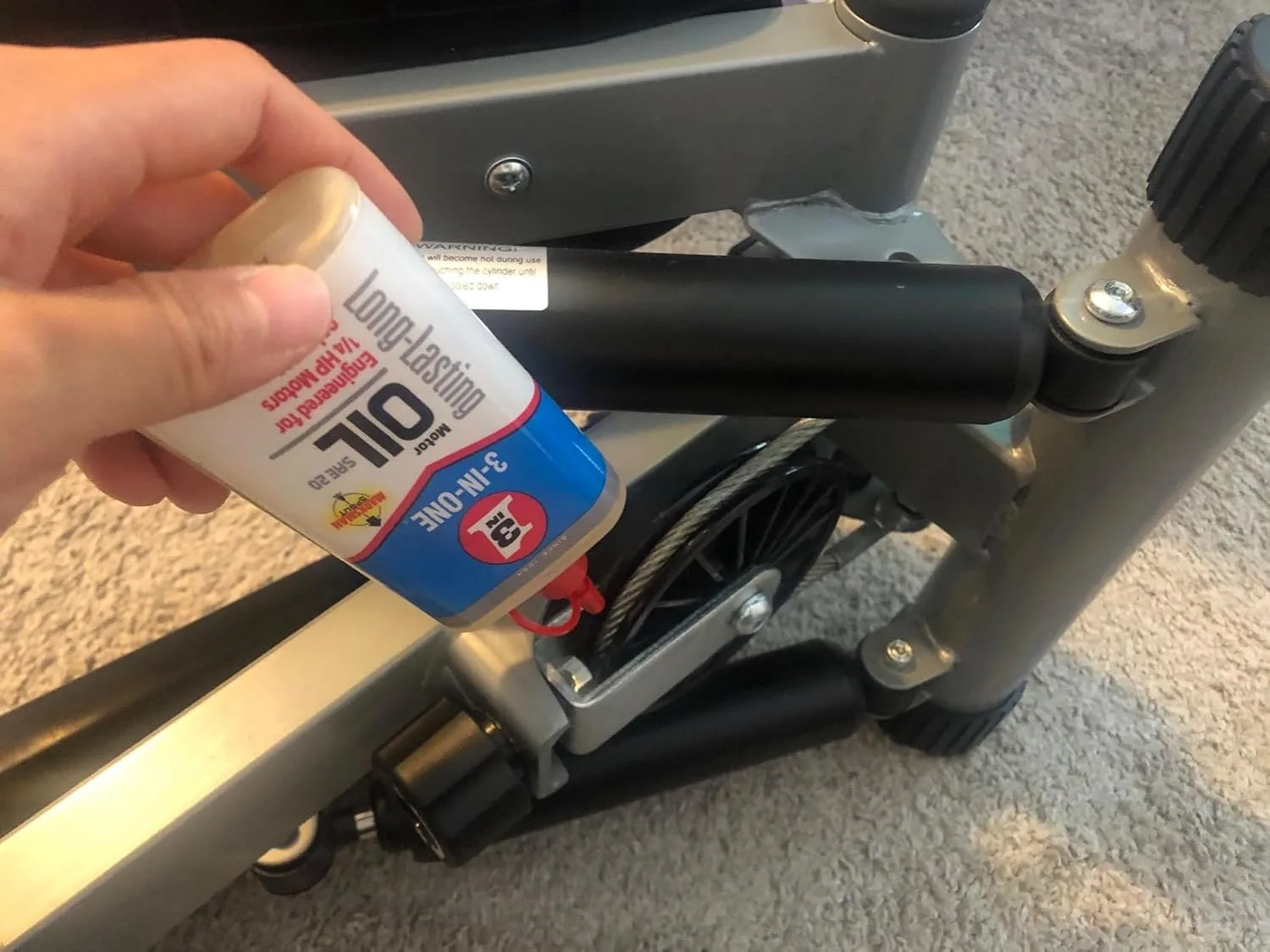
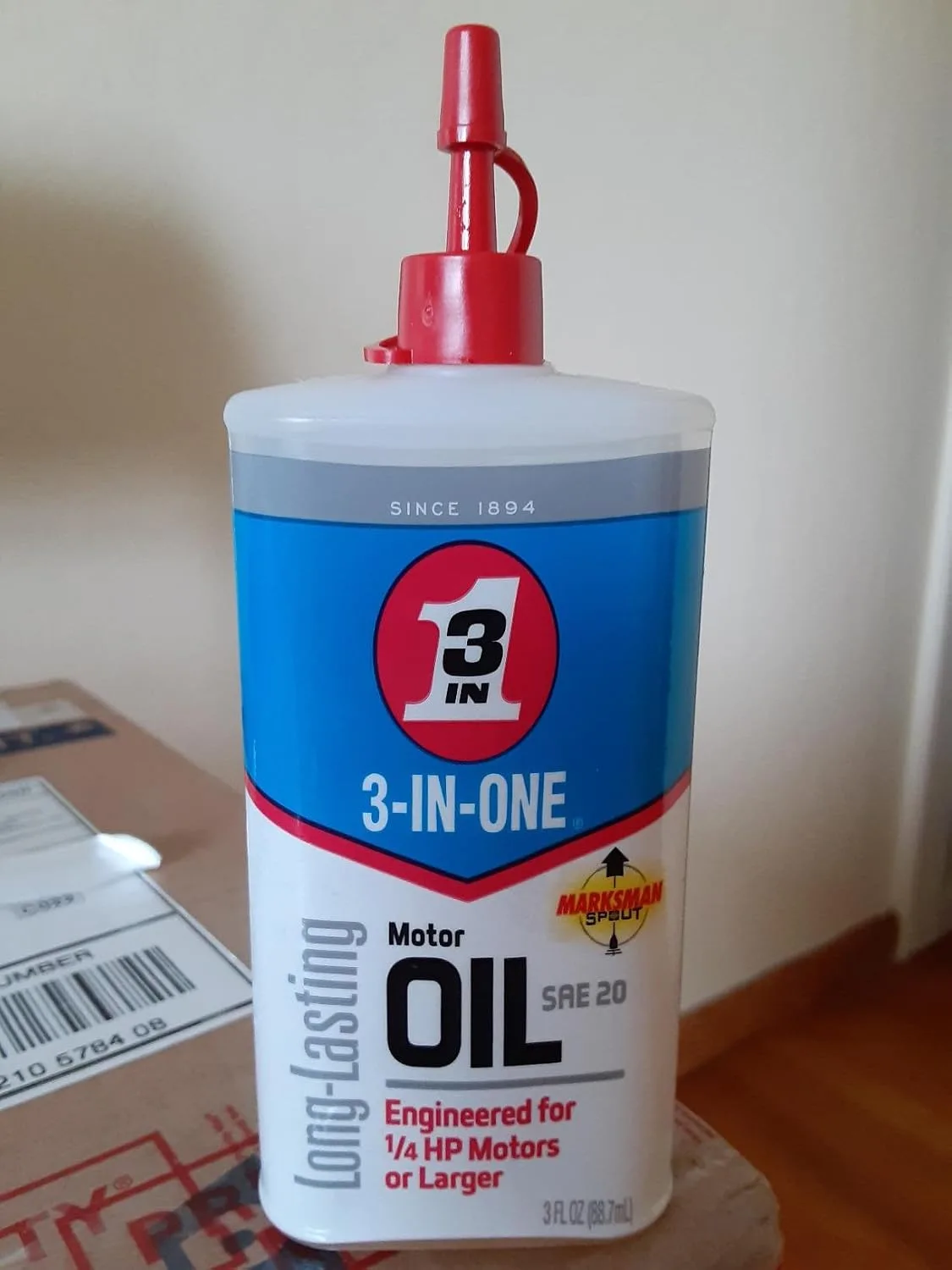
Catch a blower motor at the right moment — before the windings actually burn through — and a handful of drops from the right lubricant can turn an $800 replacement into a $150 repair instead. I found this out the hard way myself, and these days I keep a bottle in my kit specifically for that narrow window when a motor is just beginning to bind up.
Where This Product Delivers
- Works its way into shaft bearings quickly enough to free up movement before the motor burns out, and it holds up without thinning when things get hot
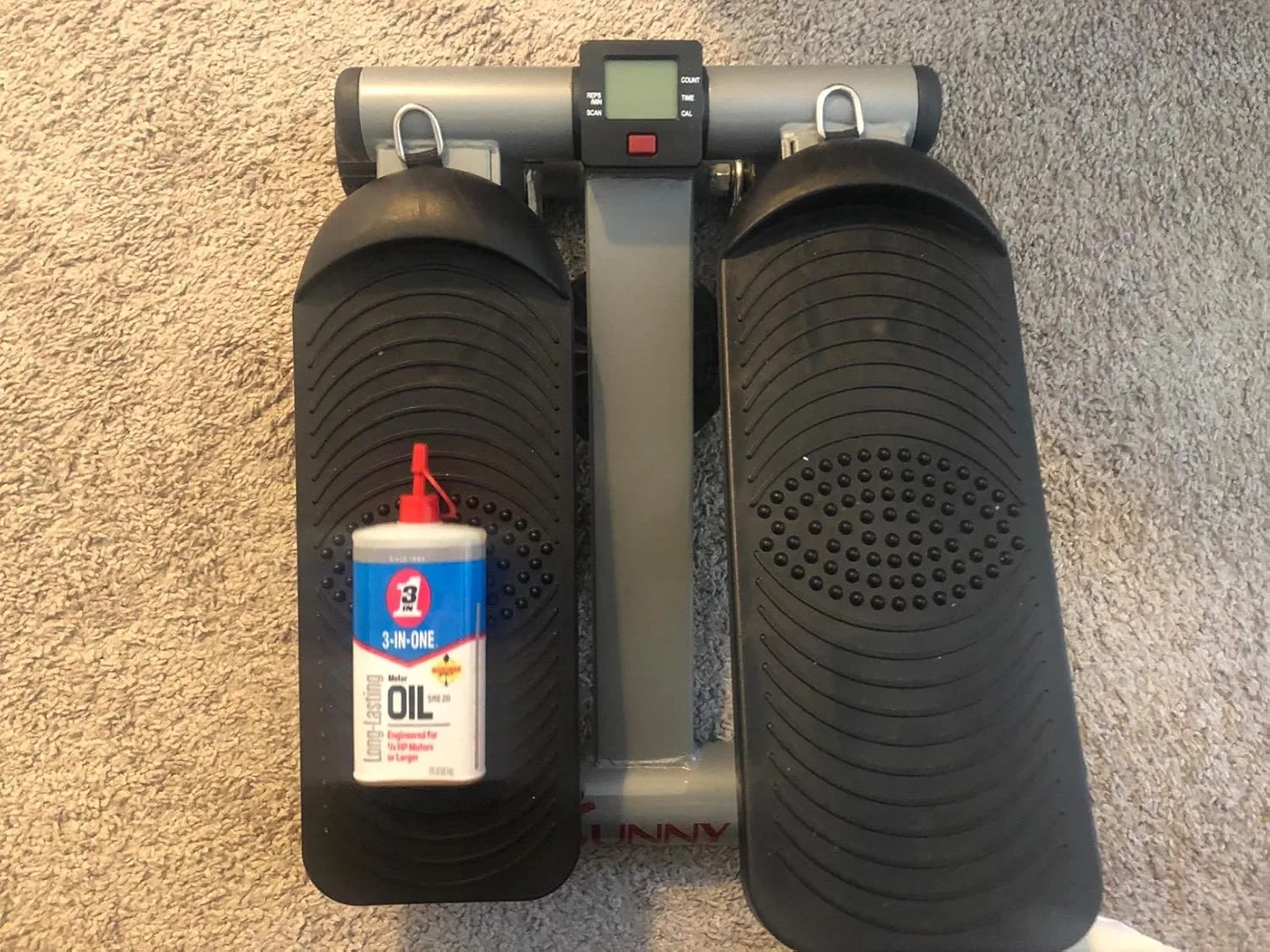
- That small 3 oz bottle is sized just right for homeowners handling their own preventative maintenance — nothing wasted, and it tucks easily into a toolbox
- Doesn’t gum up or collect dust the way heavier oils do, so it won’t cut the motor’s lifespan short or put any remaining warranty at risk
Where It Falls Short
- Think of it as a stopgap, not a fix—once a motor is fully seized or the windings have already failed, no amount of oil will bring it back
- Timing matters here — you have to catch things while it’s still squealing; oiling a motor that’s already smoking is past the point of no return
I once hesitated to try this approach on a motor that sounded like it was on its last legs, worried I’d just be delaying the inevitable—but two careful applications over a week brought that shaft back to turning freely, and the homeowner got another full season out of it. If you hear that faint squeal, grab 3-IN-ONE Multi-Purpose Oil, 8 OZ and act fast.
About This Article

Written by Dana Sorensen. Homeowner turned building-science obsessive. I help other homeowners understand attic insulation, ventilation, and air quality so they can stay comfortable year-round without overspending on energy bills. More about this site.
Scope and limits. Dana is a homeowner who studies building science, not an HVAC contractor or licensed tradesperson. Anything involving combustion appliances, gas lines, or electrical work belongs with a licensed contractor.
Verify this against a primary source
Specifics change, and your situation may differ from the one described here. These are the authorities worth checking directly:
- ENERGY STAR — recommended insulation R-values by climate zone
- U.S. Department of Energy — air sealing and insulation guidance
- EPA Indoor Air Quality — ventilation and indoor air quality standards